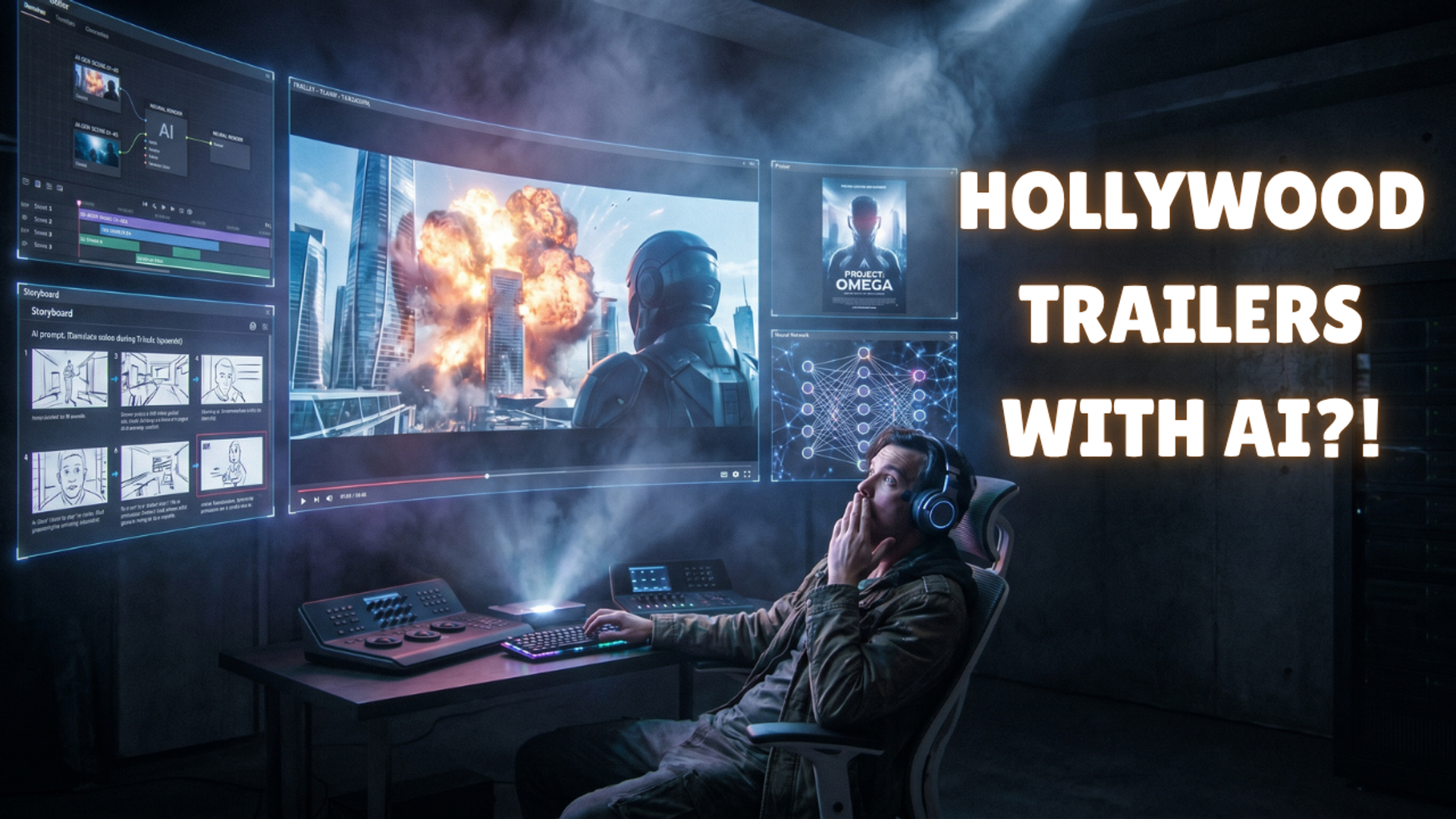
If you have scrolled through YouTube or TikTok recently, you have likely been tricked into getting excited for a movie that doesn't exist.
You see a thumbnail for a gritty, live-action Legend of Zelda movie starring Tom Holland, or a terrifying sci-fi thriller that looks like it was directed by Denis Villeneuve. The lighting is cinematic. The camera movements are heavy and deliberate. The orchestral score gives you chills.
Then you read the comments: "Wait, this is AI?"
In 2026, the era of the "uncanny valley" AI video—where hands had seven fingers and people moved like they were swimming in jello—is dead. The new standard is Hyper-Cinematic AI.
For digital marketers, indie authors, and faceless channel operators, knowing how to create a high-end AI movie trailer is a massive competitive advantage. It is the ultimate tool for selling a concept, pitching a book, or building an audience around original IP before you have even written the story.
Here is the exact, step-by-step playbook top creators use to produce Hollywood-level AI movie trailers directly from their laptops.
The 2026 Trailer Tech Stack (What You Need)
You cannot make a good trailer with just one tool. The secret to making it look and sound real is isolating the components of a movie and routing them to specialized AI models. You will need:
Claude Opus 4.6: For the script and reverse storyboard.
Midjourney v6.5 / GPT Image 2: For generating static "Anchor Frames."
Kling 3.0 (or OpenAI Sora): For Image-to-Video motion generation.
Udio & ElevenLabs: For the orchestral score and voiceover.
CapCut: For the final assembly.
Phase 1: The "Reverse Storyboard" (Scripting)
Amateurs go straight to a video generator and start typing "epic spaceship explosion." This results in a disjointed mess of clips that make no sense together. Professional creators start with a rigid blueprint.
Step 1: Open Claude Opus
Log into your Anthropic/Claude account. You need a model with deep reasoning capabilities to understand cinematic pacing (The Hook, The Build-up, The Drop, and The Climax).
Step 2: Generate the Blueprint
Copy and paste this exact prompt, adjusting the genre to fit your idea:
"Act as a Hollywood trailer editor. I want to make a 60-second teaser trailer for a Cyberpunk Neo-Noir film called 'Neon Rain'. Break the 60 seconds down into 12 specific 5-second visual shots. For each shot, give me the exact visual prompt, the camera angle (e.g., extreme close up, drone shot), and the accompanying voiceover line. Ensure the pacing builds tension."
Step 3: Save Your Shot List
Claude will spit out a numbered list of 12 highly specific shots. Do not skip this step. This is your production schedule. You will not generate any video that isn't on this list.
Phase 2: Generating "Anchor Frames" (Visual Consistency)
This is the most critical technical secret in 2026. Do not use Text-to-Video. If you type text directly into a video generator, the AI guesses the lighting, and your trailer will look like 12 different movies stitched together. You must use the Anchor Frame Technique.
Step 1: Open Your Image Generator
Log into Midjourney (via Discord/Web) or ChatGPT Plus (using GPT Image 2).
Step 2: Establish Your Aesthetic Tags
Decide on your visual rules. For a cyberpunk movie, your tags might be: "kodak portra 400, anamorphic lens flare, teal and orange color grading, cinematic lighting, 8k."
Step 3: Generate the 12 Stills
Go down Claude’s shot list one by one. Combine the shot description with your aesthetic tags.
- Prompt:
"A medium shot of a detective standing in the rain looking at a glowing neon sign. kodak portra 400, anamorphic lens flare, teal and orange color grading, cinematic lighting, 8k --ar 21:9"
Crucial Note: Always force a widescreen aspect ratio (like --ar 21:9 or 16:9). Download all 12 generated images to a folder on your computer.
Phase 3: Animating the Shots (The Motion Engine)
Now we turn those 12 beautiful, color-consistent images into moving video using an Image-to-Video engine.
Step 1: Open Kling 3.0
Log into the Kling AI web interface and navigate to the "Image-to-Video" tab.
Step 2: Upload and Prompt for Motion
Upload your first Anchor Frame. Here is the secret to cinematic AI motion: keep the prompts incredibly simple and focus on the camera, not the subject.
- Bad Prompt: "The detective runs down the alley and shoots his gun while cars explode." (The AI will panic and melt the image).
- Good Prompt: "Subtle slow-motion. The camera slowly pushes in (dolly-in). Rain drips off the neon sign in the background."
Step 3: Download the Clips
Generate the 5-second video. If the motion looks natural, download it. Repeat this process for all 12 of your Anchor Frames.
Phase 4: The "Sonic Glue" (Audio Design)
Visually, AI video is incredible. But what sells the final illusion is the sound design. If you put a cheap, royalty-free YouTube beat over your million-dollar AI visuals, it immediately feels like a fake ad.
Step 1: Generate the Score with Udio
Go to Udio.com.
Prompt for a highly specific cinematic score.
Example Prompt:
"A Hans Zimmer style cinematic trailer score. Starts with a slow, low-frequency pulsing bass and a ticking clock. Builds tension to a massive brass 'BRAM' drop at 0:30, followed by aggressive, fast-paced tribal drums."
Download the audio track.
Step 2: Clone the Voiceover with ElevenLabs
Go to ElevenLabs.io.
Paste the voiceover script that Claude generated in Phase 1.
Choose a deep, gravelly "Movie Trailer" voice.
Pro-Tip: Lower the "stability" slider slightly so the voice actor sounds breathless or emotional, rather than like an AI assistant reading a book. Download the audio.
Phase 5: Final Assembly
Step 1: Open CapCut
Import your 12 video clips, your Udio music track, and your ElevenLabs voiceover into a new CapCut project.
Step 2: Sync to the Beat
Drop the music track on the timeline first. Watch the audio waveform. Wherever there is a massive spike (a drum hit or a bass drop), make a cut and transition to your next video clip.
Step 3: Apply the Cinema Filter
To hide any remaining AI artifacts (like slightly weird fingers or hair glitches), apply a subtle "Film Grain" effect over the entire timeline at 15% opacity. Add a text title card at the end with your movie's name. Export in 1080p or 4K.
How to Monetize Your AI Trailers
Creating these trailers isn't just a party trick; it's a highly lucrative digital marketing strategy.
- "Book-Tok" Advertising: Indie authors are paying agencies massive premiums to turn their Kindle novels into 60-second cinematic trailers. A visual trailer converts on TikTok and Instagram Ads at an exponentially higher rate than a static image of a book cover.
- Pitching Concepts: Screenwriters are using these workflows to create "Mood Trailers." Instead of sending a studio a 100-page script, they send a 2-minute visual trailer to instantly sell the vibe of the project.
- Faceless YouTube Channels: Creators are building massive channels entirely based on "Concept Trailers" (e.g., What if Wes Anderson directed Star Wars?). These channels pull millions of views, qualify for the YouTube Partner Program, and generate significant ad revenue.
The tools are available to everyone, but the workflow is what separates the amateurs from the professionals. Stop prompting blindly, start building blueprints, and you can create Hollywood-level content from your desk.